
Use one mouse and keyboard on multiple desktops ShareMouse is a freemium utility that enables you to swiftly move your mouse and use a single keyboard across multiple computer monitors. Developed by Bartels Media GMBH, you can magically jump from one PC monitor to another with so much ease. Any mouse and keyboard input detected will be transmitted to the corresponding desktops.
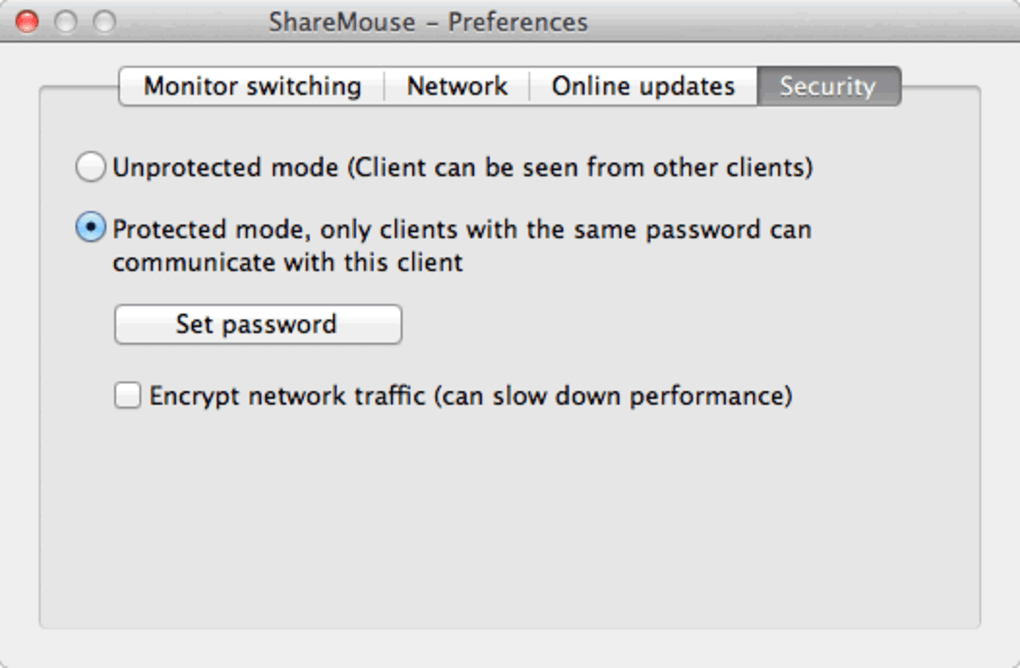
This program functions similar to a network KVM that passes on mouse movements as well as click-through your local LAN. ShareMouse guarantees that all traffic transferred are AES-encrypted and can be password-protected . It is an impressive alternative to Synergy .
You may also like 5 Free ShareMouse Use one mouse and keyboard on multiple desktops 4.8 Free Logi Options+ Customization app for Logitech devices 3.5 Free Deluge A free (gpl) app for Mac, by Deluge Team Easily move contents from different devices When switching between computers, additional hardware or multiple clicks configuring your computer system are no longer required with ShareMouse. You can smoothly operate various PCs on a single-connected mouse and keyboard. Sharing files can be done much easier simply through the drag and drop function.
You skip setting up file share or even modifying cross-platform network protocols just to turn over documents from one desktop to another. Any formatted text or files can be copied into a different computer’s clipboard by hitting a single key. The usual Ctrl-C and Ctrl-V that you press when pasting contents to a variety of platforms are also utilized here.
This program ensures that all the determined mouse clicks and text input are sent directly among the computers you linked. It will never be recorded or delegated anywhere . As stated, an AES encrypted service is implemented towards your network traffic for maximum security protection.
Furthermore, you can also sync several events and actions across tons of connected computers in a snap. For instance, you can lock or unlock them simultaneously, integrate screen savers , as well as log in on a PC remotely after a cold start. This KVM switch offers more benefits than the actual software KVM.
Save time and effort ShareMouse is a package made while thinking of every desktop user’s convenience. With this, you won’t need to use a different set of mouse and keyboard just to run your other computer pack. It saves you a lot of time and effort to configure further.
You only have to connect the PCs you wish to control using your designated mouse and keyboard equipment.







